


Most sellers don’t lose buyers because they answer badly. They lose them because the answer comes late, comes from the wrong place, or comes twice. That is our reading, not a measured result, and we’ll mark which parts are platform rules and which parts are our advice.
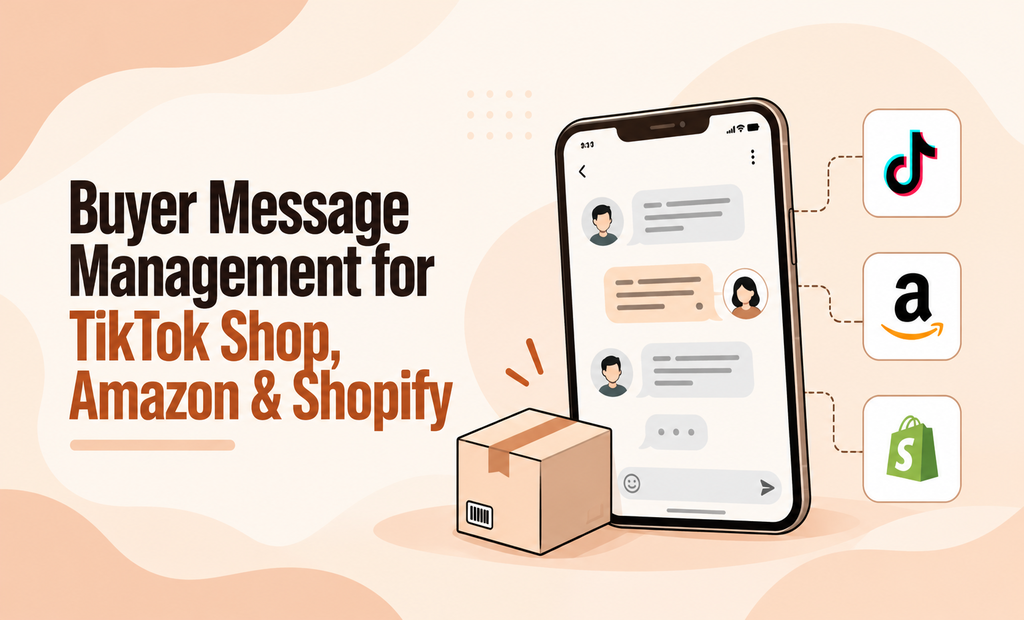
By “buyer message management,” we mean three jobs: finding every message, answering it on time, and remembering who you’re talking to. If you sell on Amazon, TikTok Shop, and Shopify, each job in e-commerce customer support gets harder, because each platform keeps its own inbox and none of them talks to the others.
You don’t need new software to fix most of this. We’re Crew27 Marketing, and we sell virtual assistant services, so we’ll say plainly where that matters. You need a routine, a few saved answers, and one person who owns the inbox. If that person can’t be you, an e-commerce customer support virtual assistant can take the job.
Manage Buyer Messages on Amazon, TikTok Shop & Shopify
Amazon tells you how fast to answer in its buyer seller messages. TikTok Shop customer support and Shopify customer inquiries leave more of that to you, so you have to set your own standard. Here is where messages land and what each platform asks of you.
| Platform | Where messages land | What the platform requires | What is left to you |
|---|---|---|---|
| Amazon | Message Center in Seller Central, or the Amazon app | • Reply within 24 hours, weekends included.
• You can’t delete messages. • Order and customer service topics only. |
How you sort, assign, and track them. |
| TikTok Shop | Seller Center | • 24-hour SLA reply requirement for customer inquiries.
• Performance metric monitoring by platform. |
Everything else, including team assignment and response workflow. |
| Shopify | Your store email, plus any chat or form you add | • No mandatory platform-set deadline. | Your own reply standard, workflows, and tools from start to finish. |
That table is the first reason messages slip. Three places means three habits, and the one you check least is the one buyers wait on longest. If you sell on several marketplaces, e-commerce virtual assistant services can also take over the inbox work.
Where Amazon, TikTok Shop, and Shopify Keep Your Messages
When sellers say “I can’t keep up with messages,” the volume is rarely the whole story. In our view, three gaps cause most of the trouble in e-commerce customer support.
The place gap. Messages arrive in three or more spots, so you check one and forget another. A buyer who wrote on TikTok Shop on Friday may still be waiting on Monday because you were busy in Seller Central.
The time gap. Nobody sees the message until it is old. This gets worse when two people share an inbox with no plan. Either both answer, or neither does, and both look bad to the buyer.
The memory gap. The same person buys from you on TikTok Shop, then emails your Shopify address about a different order. You have no record of the first one, so you ask questions they already answered.
There is a fourth problem that feels like a gap but is really a habit: you type the same answer again and again. “Where is my order?” “How do I return this?” “Can I change my address?” Typing those by hand is slow, and tired people make typos and skip details. Fixing the gaps first, then the repeats, saves the most time.
Amazon Buyer Seller Messages: What You Can and Can’t Say
This part is a rule, not our opinion. Amazon allows messages that finish an order or answer a customer service question, and it limits what those messages can contain. Based on beBOLD Digital’s guide to the policy, these are the main limits for buyer seller messages on Amazon:
- No marketing, coupons, or upsells.
- No links to outside sites, except secure links an order truly needs.
- No personal email addresses or phone numbers.
- No gifts, refunds, or other rewards for a review, and no asking a buyer to change or remove one.
- No emojis or GIFs.
- No extra “thank you” notes or repeat shipping confirmations, because Amazon already sends confirmations and may flag these as unwanted.
Two more facts matter. Amazon stores every message and does not let you delete any, so write each one as if a stranger will read it later. And Amazon offers approved message templates that already include the required details, such as the order number.
Amazon can change its rules. Before you build saved replies, read the current policy in Seller Central. TikTok Shop and Shopify have their own rules too, and I did not verify those, so check them before you copy an Amazon habit to another platform. If you’d rather hand Amazon buyer message management to someone else, choose carefully among Amazon virtual assistant services, and read this guide on hiring an experienced Amazon virtual assistant before you share any account access.
TikTok Shop Customer Support: How Often to Check Seller Center
TikTok Shop customer support lives in the Seller Center. I did not confirm a platform deadline, but I’d treat it with the same urgency as Amazon. This part is my advice: a buyer who messages you often wants an answer before deciding, so a slow reply can cost the sale.
Check the Seller Center at your fixed times, and add one extra check after you post new content or start a promotion, because more shoppers usually means more questions. Keep replies short, friendly, and specific. If you want one person dedicated to TikTok Shop customer support, a TikTok Shop virtual assistant can cover it.
Shopify Customer Inquiries: How to Manage Them in One Place
Shopify customer inquiries usually arrive by email, plus chat or forms if you add them. You control this setup, so you can fix it without waiting on a platform. I’d make three moves. Send order and shipping emails automatically, so buyers don’t have to ask where their package is. Use one support address that someone checks every day. Put the order number in every reply, so you never ask for it twice.
If your Shopify customer inquiries already feel out of control, a Shopify customer support virtual assistant can take them over. This post on Shopify customer support VA covers the same problem for store owners.
5 Steps to Better Buyer Message Management
Everything in this section is my advice. No platform requires it, but each step answers one of the gaps above.
- List every place a buyer can reach you. Write down Seller Central, Seller Center, your Shopify email, any chat, and any social inbox. You can’t check what you haven’t counted.
- Set fixed check times. Pick three a day, such as 9 a.m., 1 p.m., and 5 p.m., and add a short weekend check so you stay inside Amazon’s 24-hour window. Put them on your calendar.
- Sort by what costs you most if it waits. Answer order problems first (wrong item, damage, missing package). Then pre-sale questions, because that buyer is ready to pay. Then returns and changes. Everything else goes last.
- Name one owner each day. Even on a team, one person answers or hands off in writing. This ends the double-reply problem.
- Keep short notes on repeat buyers. A simple spreadsheet works: name, platform, order, and what you told them. The next time that person writes, you know the story in ten seconds.
After that, write saved replies for your five most common questions. Pull them from your last 50 messages, not from guesses. Add the buyer’s name and order details every time, so a saved reply saves typing without sounding like a form letter. On Amazon, keep every saved reply inside the rules above.
Signs Your Buyer Message Routine Is Working (and Signs It Isn’t)
A routine you never check is just a hope, so here are the signs I’d watch. The cutoffs are my rules of thumb, not measured results.
It’s working if:
- Every message gets a reply the same business day, and none on Amazon sits past 24 hours.
- Repeat buyers stop being asked what they already told you.
- Your top question shows up less each month, because you fixed the cause. If “where is my order” leads the list, add tracking details to your order emails and listings.
It’s not working if:
- You find an unread Amazon message older than a day.
- The same question lands in your inbox about five times a week or more.
- Two people answer the same buyer.
- Buyers on one platform ask about orders they placed on another, and you can’t find those orders fast.
If you see two or more of those warning signs after a month of steady effort, that is the point to get more help, either a tool that pulls your messages into one inbox or a person who works on them for you. Before you pay for a tool, ask four plain questions. Does it connect to every platform I sell on? Can my team see who is handling each message? Does it show a buyer’s past orders? What will it cost as I grow? Then test it on real messages with a free trial.
When to Outsource E-commerce Customer Support
Outsourcing is my advice for sellers who tried the routine and still see the warning signs. It is also where my bias shows: Crew27 Marketing offers this service, so weigh this section with that in mind.
An e-commerce customer support virtual assistant can handle buyer message management across your Amazon, TikTok Shop, and Shopify inboxes on the schedule you set, using your saved replies and your rules. Before you hire, think through three things.
Cost. Price depends on the hours you need, the platforms you use, and the person’s skill. Read about e-commerce virtual assistant pricing so you can set a budget before you ask for quotes.
Trust. Your inboxes hold buyer details and, on Amazon, account access. Use this guide on how to find a reliable customer support VA when you screen people.
Training. Give the new person your saved replies, your sort order, and the rules for each platform. Then read their first week of replies yourself.
Buyer messages are one job of several you can hand off. Once the inbox is under control, look at the other e-commerce tasks you can outsource.
Tired of chasing your own inbox?
We get it. Three platforms, three inboxes, and a buyer still waiting on Friday’s message. At Crew27 Marketing, our trained e-commerce VAs check your Amazon, TikTok Shop, and Shopify messages and reply on time, so nothing slips through. No long-term contracts. Book a free call or hire a VA when you’re ready.